
Part of How to Configure Your Channel Settings in Webgility i.
Fees tab
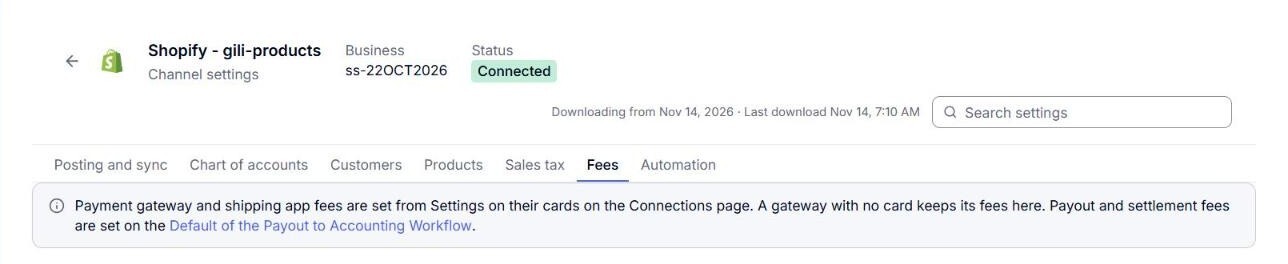
The tab starts with a line that says where the channel's fees are set. Payment gateway fees and shipping app fees are set from Settings on their cards on the Connections page. A gateway with no card keeps its fees on this tab. Payout and settlement fees are set on the default rule of the Payout to Accounting workflow. See Understanding the Default Rule and How Your Rules Work on Top of It. For gateway and shipping app fees, see How to Connect a Payment Gateway to Webgility i and How to Connect a Shipping App to Webgility i.
Note: Multi-currency fee payments is set in the Settings of each payment gateway card on the Connections page. See How to Connect a Payment Gateway to Webgility i.