Part of How to Connect a Shipping App to Webgility i.
Set how shipping fees post
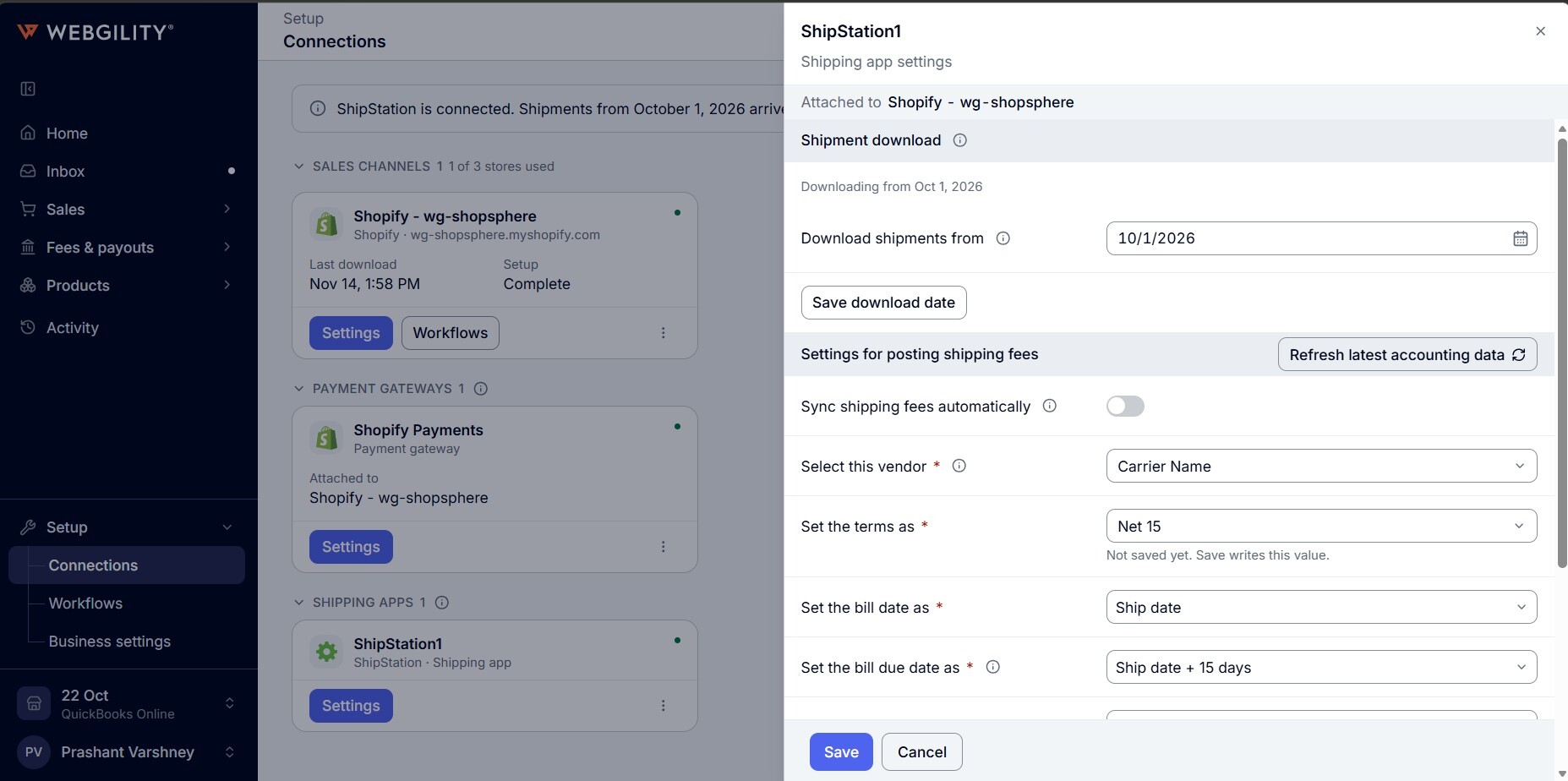
- Go to Setup > Connections. On the shipping app's card, click Settings. The panel opens with Shipping app settings under the app's name.
- If the business has more than one store, pick the store under Channel. Each store keeps its own shipping fee settings.
- Set the options under Settings for posting shipping fees and click Save. See How to Configure Your Channel Settings.