
Overview
If your product sync runs every five minutes and updates are slow or failing, your store may be receiving requests faster than it can handle. Webgility Desktop lets you schedule product syncs from every 5 minutes to once every 24 hours.
Adjust your product sync schedule- Follow the automatic price and inventory sync guide to find the Products and Inventory settings for the affected store.
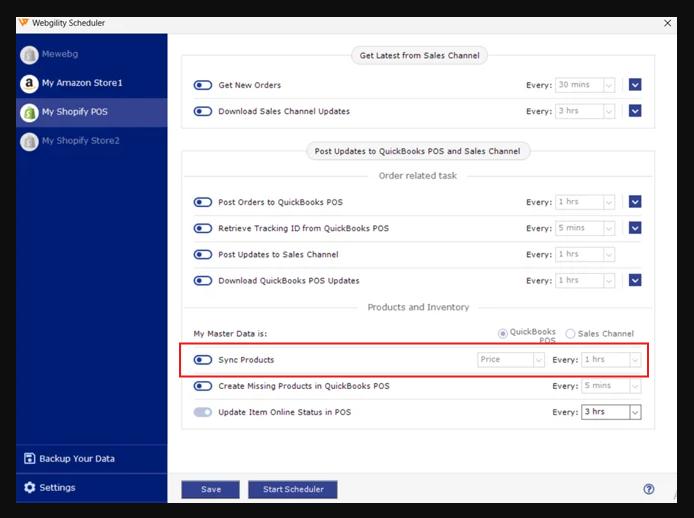
- If Product Sync Frequency is set to 5 minutes, try 15 or 30 minutes. Save your changes, make sure the Scheduler is running, and check whether the next sync completes.
- Sync is slow. Follow the guide to troubleshooting slow product updates.
- Sync fails. On the computer running the Scheduler, open
C:\Webgility\UnifyEnterprise\SchedulerLogsand check the latest log for an error or a rate-limit message.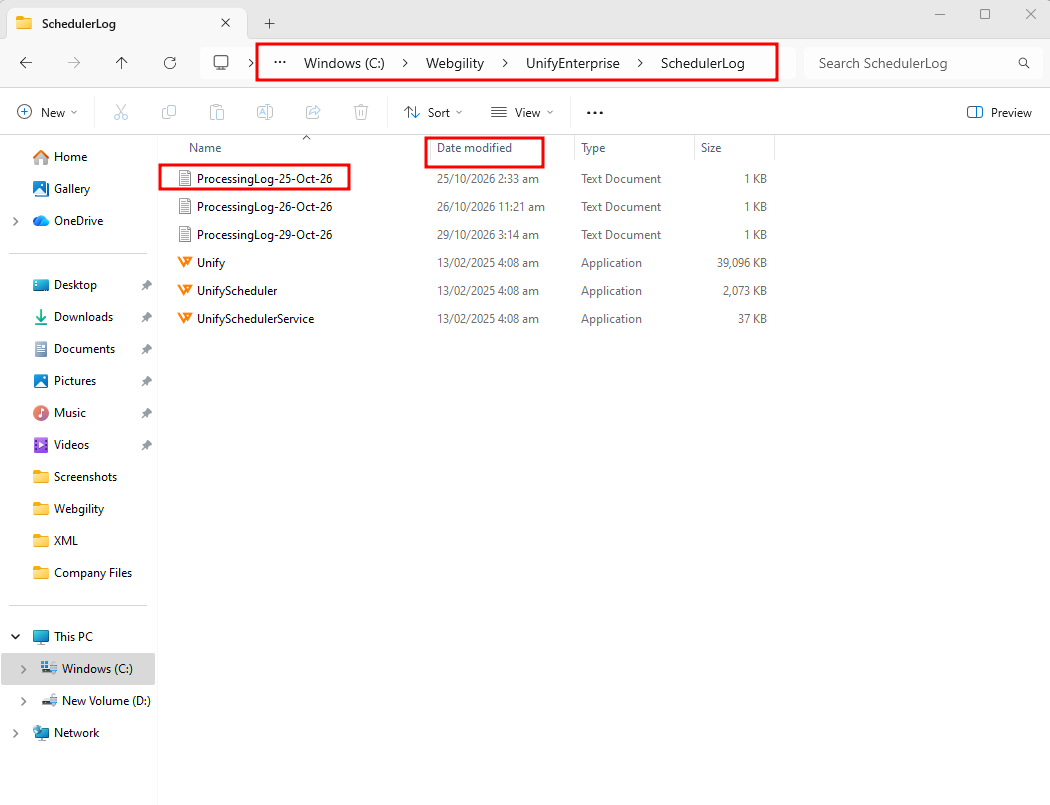
If you have any questions or need more help, please contact our support team.