
Part of How to Manage Your Account and Subscription in Webgility i.
Steps: View your plan and usage
- On My account, click the Plan and usage tab.
- Under Plan details, check your Plan. During a trial, the card shows the Trial expiration date. On a paid plan, it shows the Billing cycle, Next billing date and Next invoice.
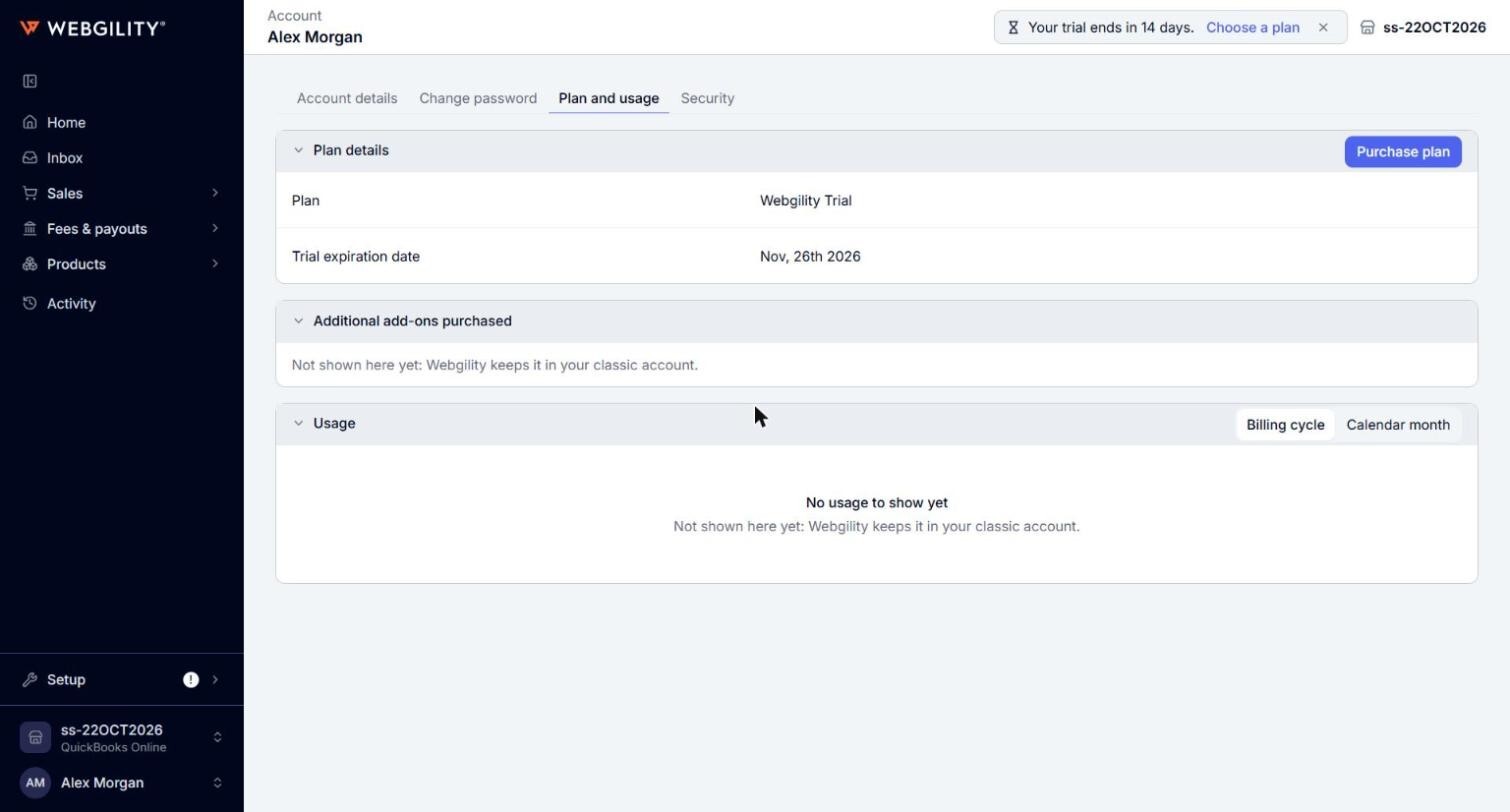
- Under Plan benefits, check what your plan allows, such as Orders, Users and Sales channels. Additional add-ons purchased lists the add-ons you bought, if any.
- Under Usage, check the orders downloaded and synced each month. Pick Billing cycle or Calendar month to change how the months are counted.
