
Overview
If you see Item Mismatch when posting a Shopify gift card order, Webgility hasn’t linked the gift card SKU to a QuickBooks item. Once you link it, Webgility saves the match for future orders with the same SKU.
Fix the item mismatch- In Webgility Desktop, open Orders, select the gift card order, and click Post to QuickBooks.
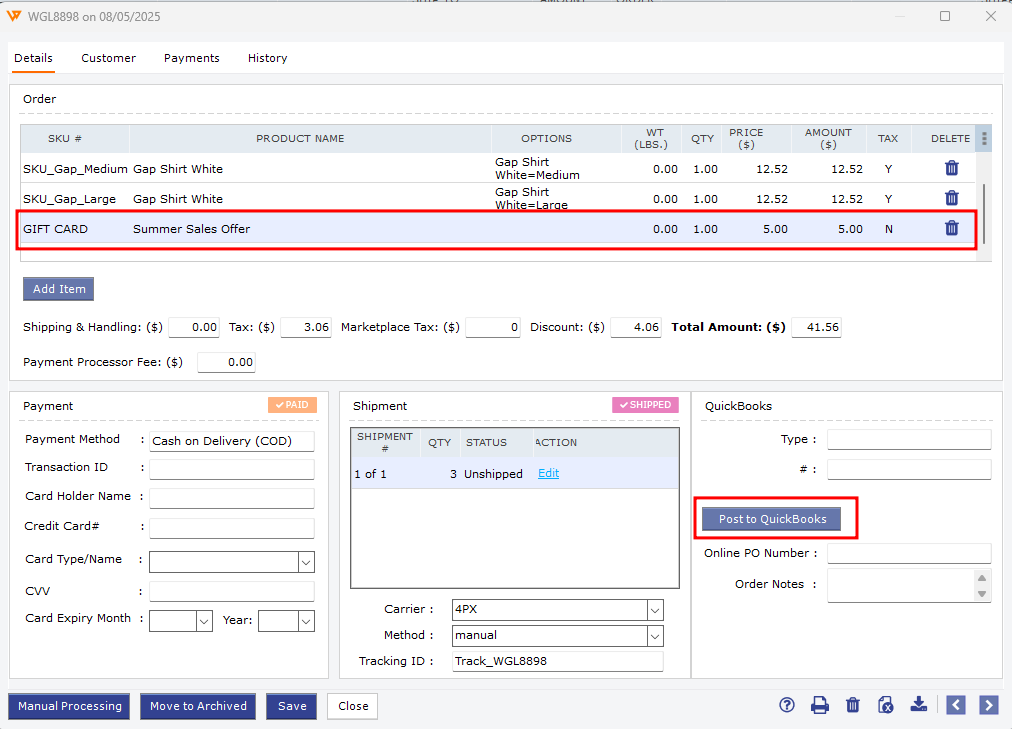
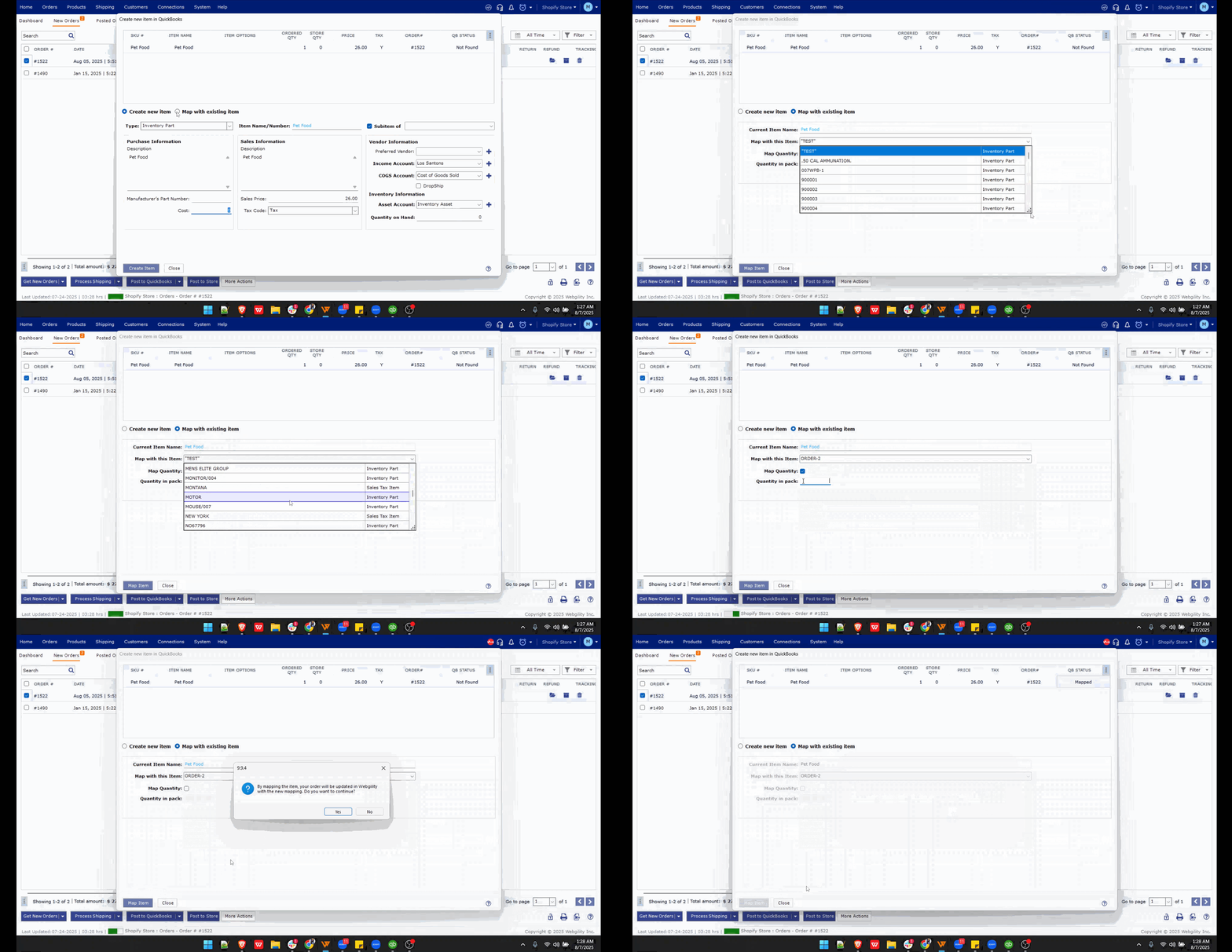
- When Item Mismatch appears, link the Shopify gift card SKU to the item you use for gift cards in QuickBooks. If you need to create an item or the prompt doesn’t appear, follow How to Map Products While Posting Orders.
- Select the order again and click Post to QuickBooks. In QuickBooks, check that the sales receipt or invoice includes the gift card item.
If you have any questions or need more help, please contact our support team.