
Error Message:
Steps to Resolve:
- Check your current version of Webgility Desktop by navigating to Help and go to Terms & Privacy.
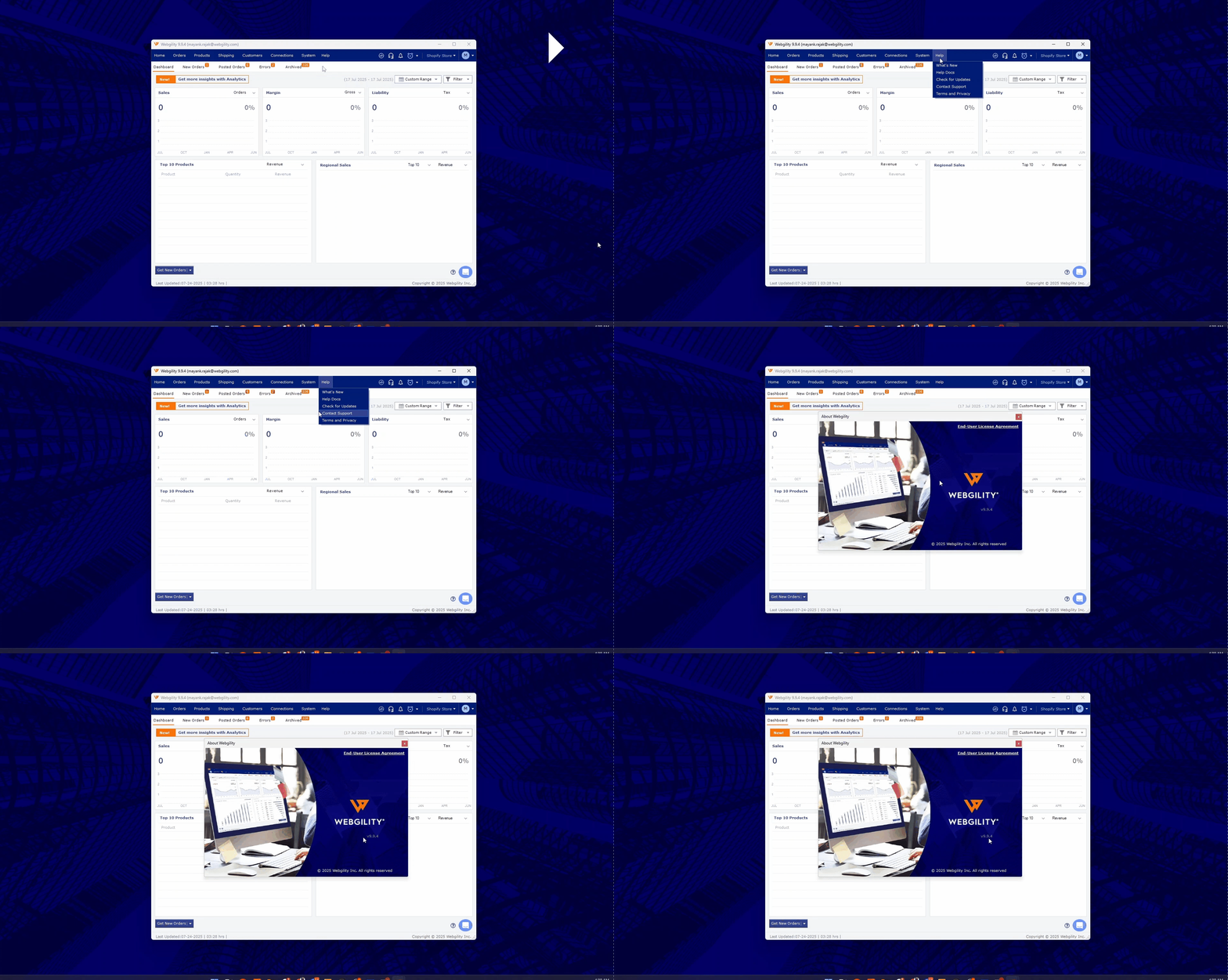
-
Once verified go to Help then click on Check For Updates, if there's a higher version available, the user will see an option to Update the application.
- If found then click on the Update button. Make sure to keep the “Take Webgility database backup before proceeding with the update.”
- If we have multiple workstations where Webgility Desktop is installed, then we need to update Webgility app on the other PCs too and make sure all the workstations are on the same versions.
- After updating Webgility re-try posting the orders manually or via shceduler they will sync to QuickBooks without any error prompts.
- You may also refer to this article on How to update the Webgility Application