
Part of How to Rename a Customer, Vendor or Employee in QuickBooks Online.
Steps: Rename a customer
- Go to Customer Hub > Customers & leads and click the name of the customer.
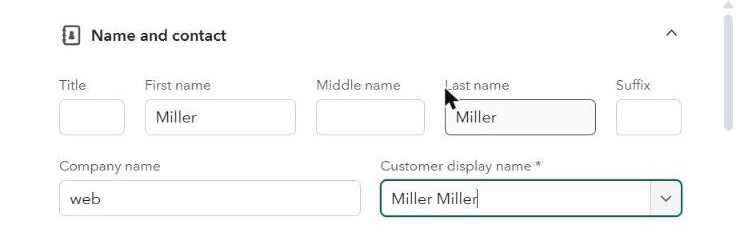
- Click Edit. In Customer display name, type a new name, for example add "(Customer)" after it.
- Click Save.
Note: Rename the vendor or employee rather than the customer when you can. Webgility i looks for the order's customer by the name from the sales channel.