Part of How to Add and Switch Between Multiple Businesses in Webgility i.
Rename a business
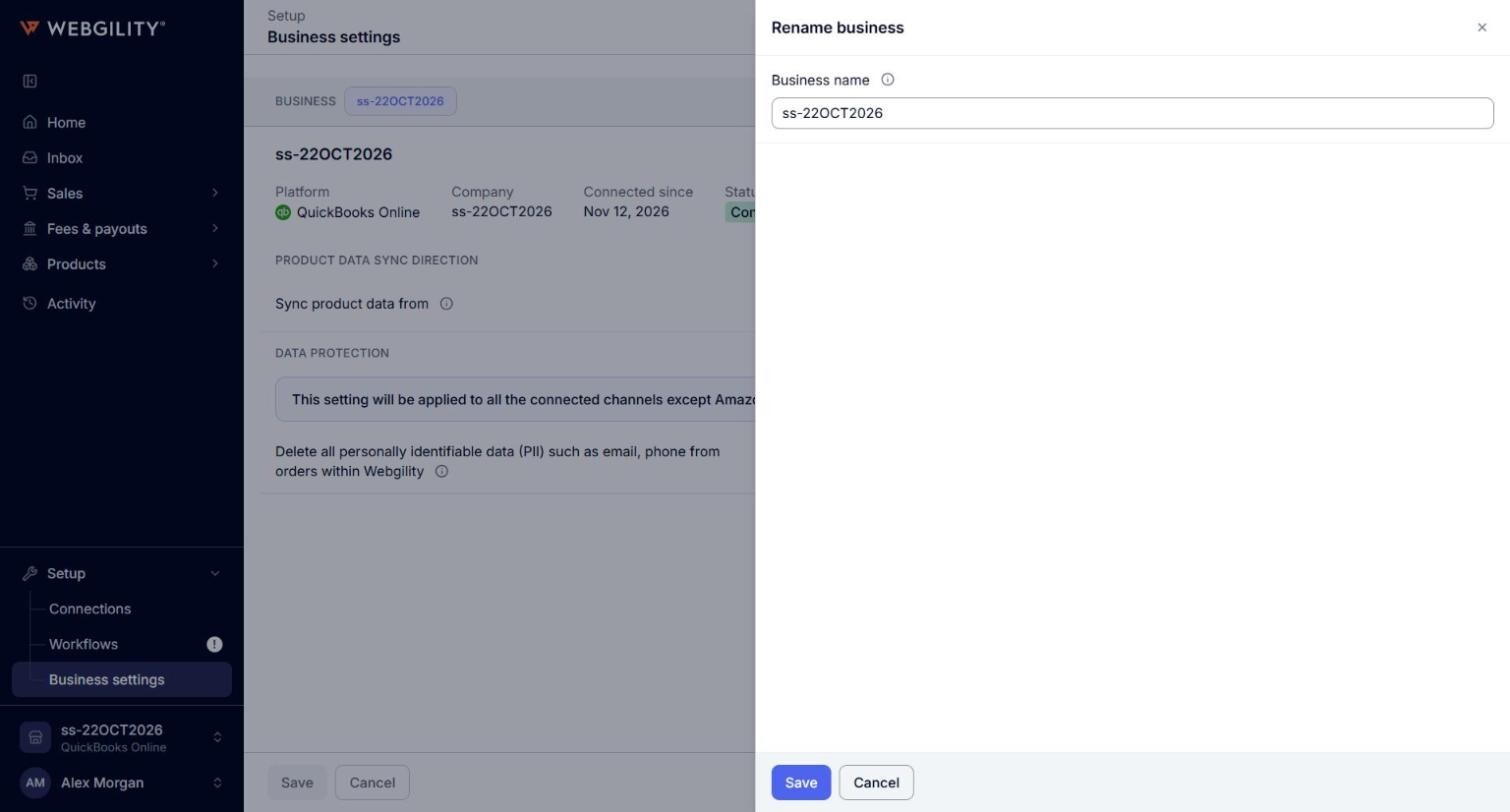
- Go to Setup > Business settings and select the business.
- Click Rename. In Business name, type the name every page should show for this business. Leave the box empty to use the name of its QuickBooks Online company.
- Click Save. The page shows "The business is renamed."