
Overview
This article will guide you through the process of adding extra sales channels for your Webgility Online subscription.
Steps:
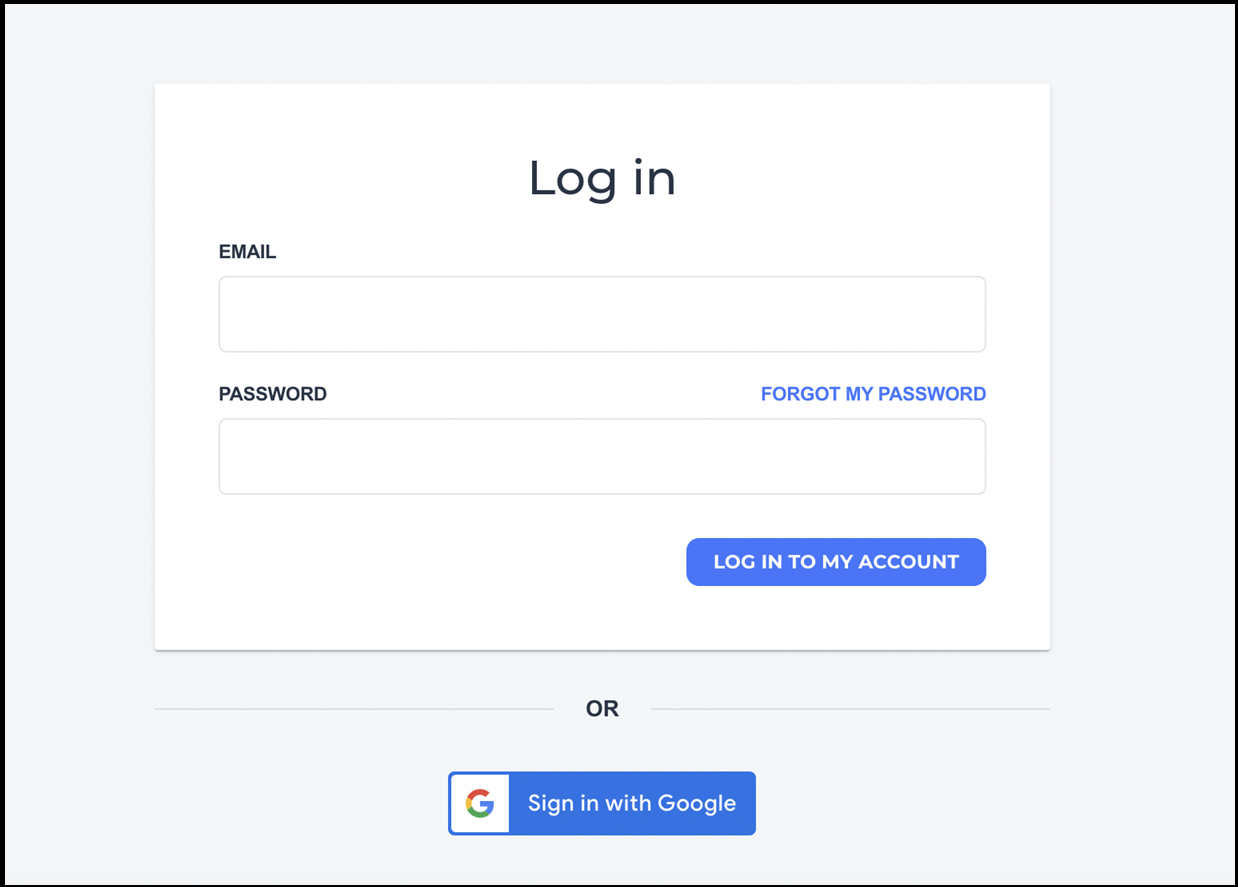
1). Login to your Webgility Customer Portal account by visiting portal.webgility.com and entering your login details.
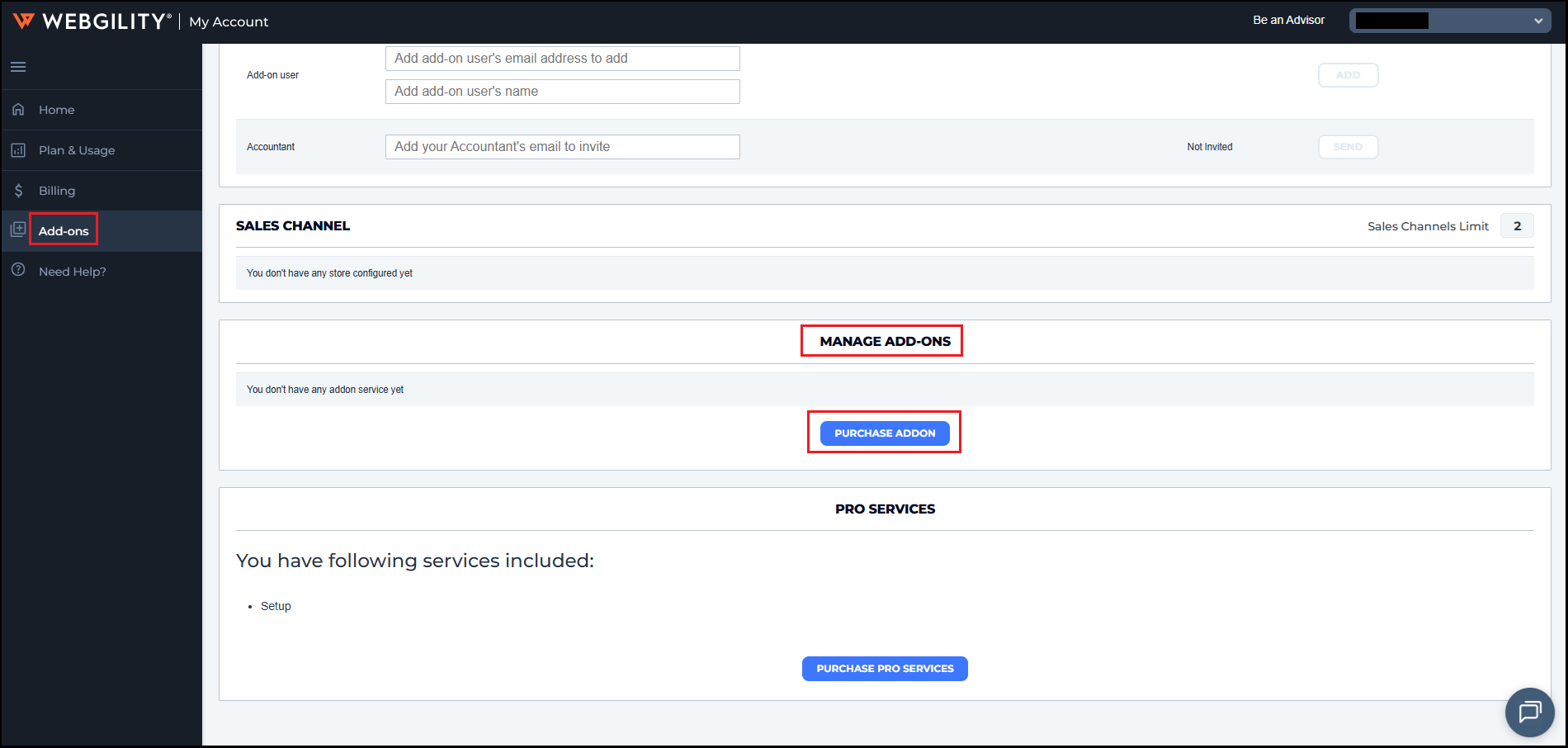
2). Then navigate to Add-ons and under MANAGE ADD-ONS click on PURCHASE ADDON
3). In the small window that appears, select Edit Subscription.
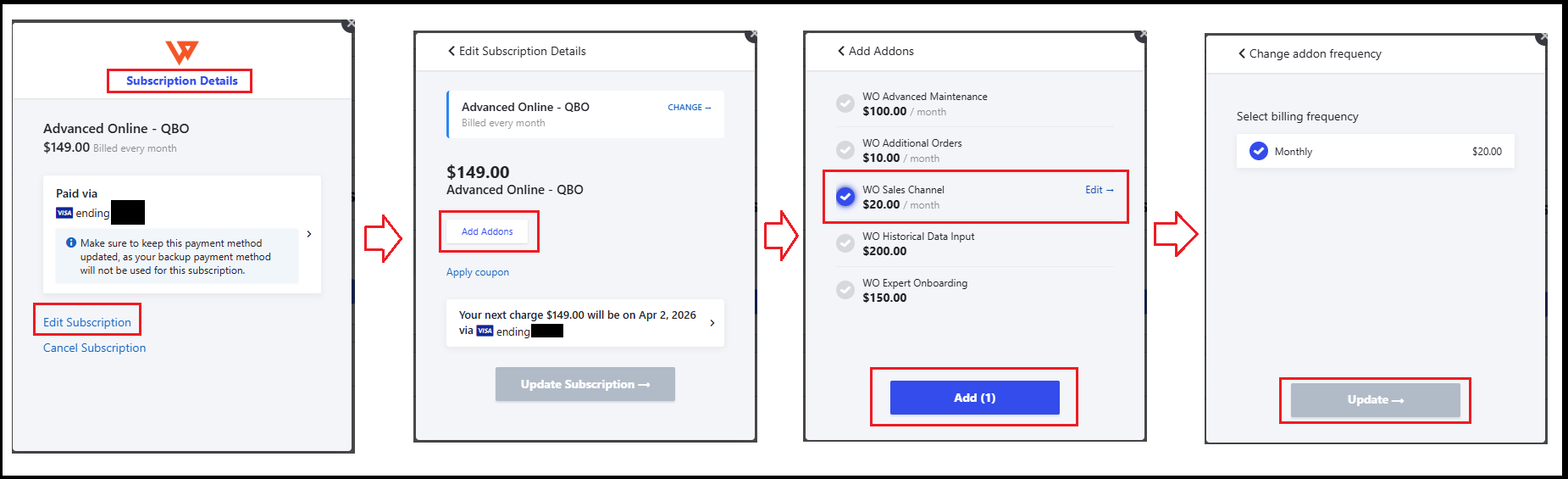
4). Then, click Add Add-ons, choose the desired add-ons (ex. Sales Channel), and click Add.
5). Then click on Update and the payment will be processed automatically, and the add-ons will be added to your subscription.