
Reason:
If your subscription payment fails, your subscription will be suspended until we are able to charge your credit card.
If your credit card expired you can enter your new card information.
If your payment failed for another reason and you want to try charging your credit card again, follow the below steps.
Follow the steps in this helpful article on: Update Your Credit Card Information
Steps:
1. Navigate to portal.webgility.com and enter your login details.
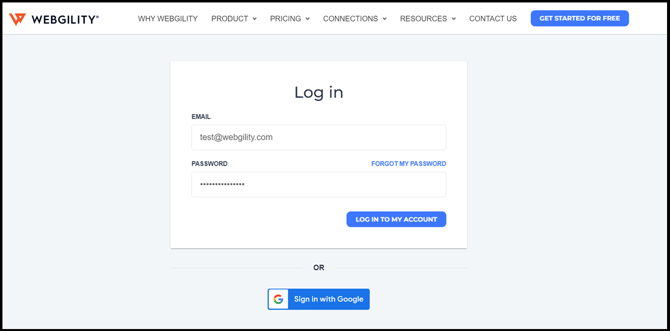
2. Select the Billing tab in the left-hand navigation and click Pay Now.
3. Enter your credit card details and click Submit.
4. Your new card details will be used to process all current and future payments for your subscription.