
Overview:
It is always hard for us to see a Webgility Desktop user cancel their subscription. If you are facing challenges with Webgility Desktop and wish to give us a chance to resolve your concerns. We will be happy to work with you to remedy any issues on our highest priority. However, if you still wish to cancel your subscription, please follow the steps shared below.
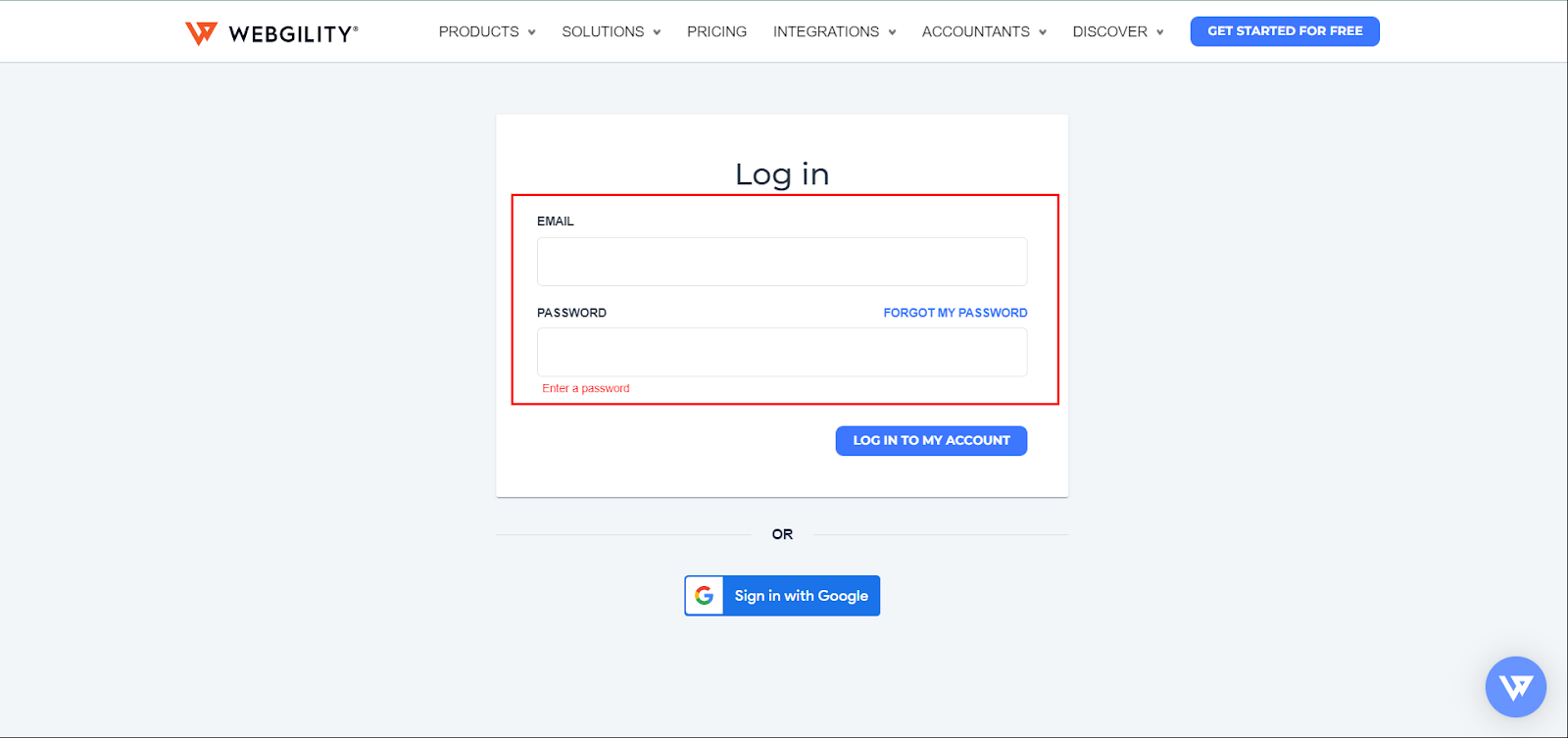
Login to your Webgility customer portal. Go to: - https://portal.webgility.com/login.php
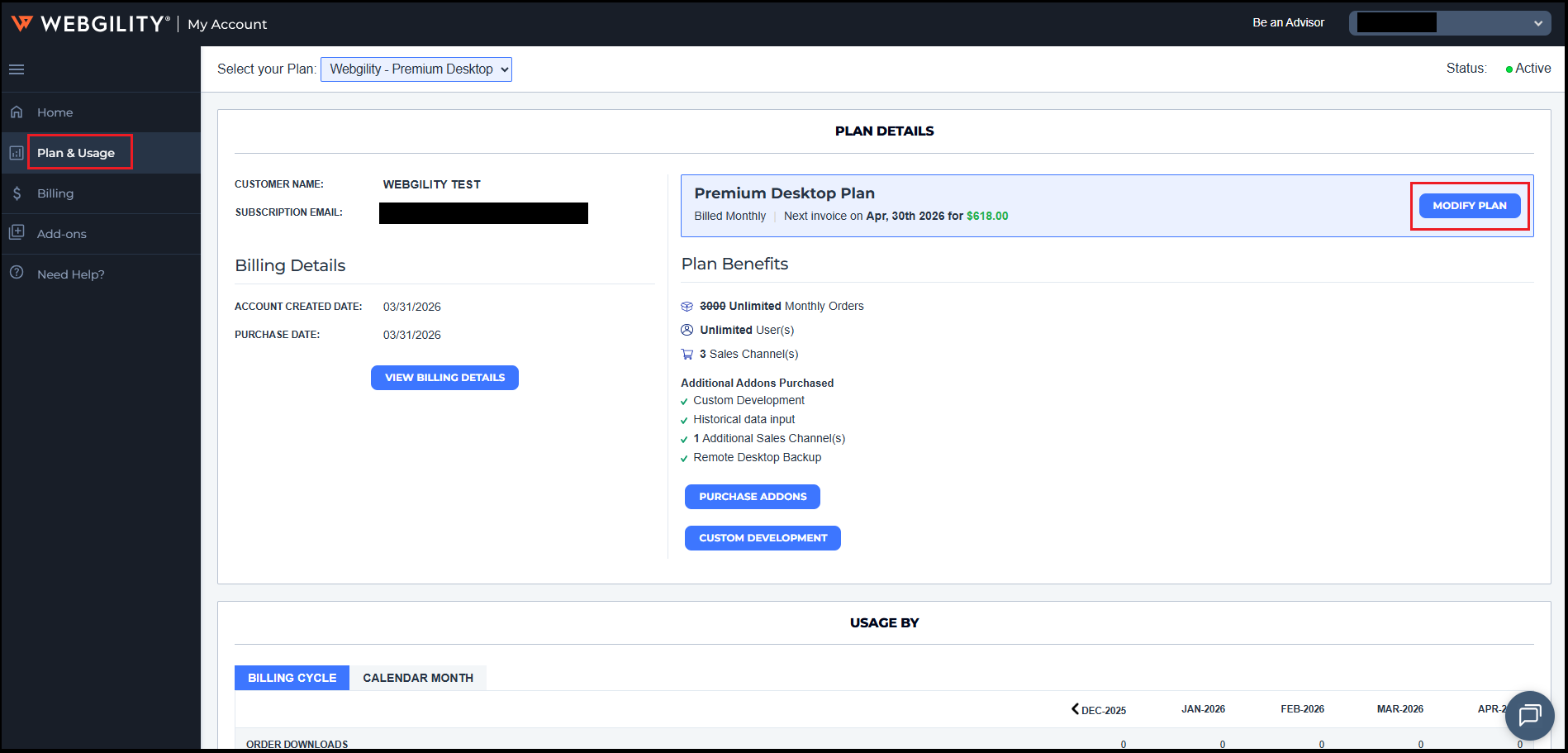
After logging into your Webgility Portal account, navigate to Plan and usage. Then click on Then Select Modify Plan
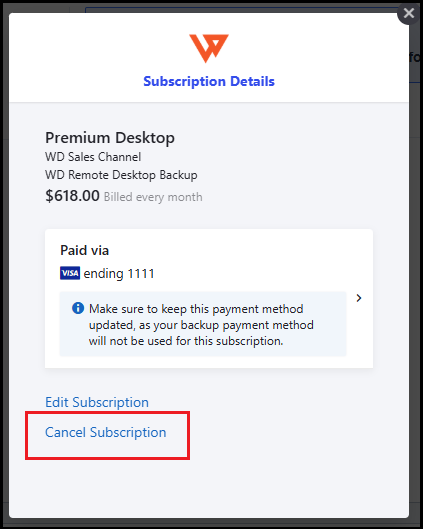
Click on the Cancel Subscription option and Continue
Please select your reason for cancellation and Confirm Cancellation:
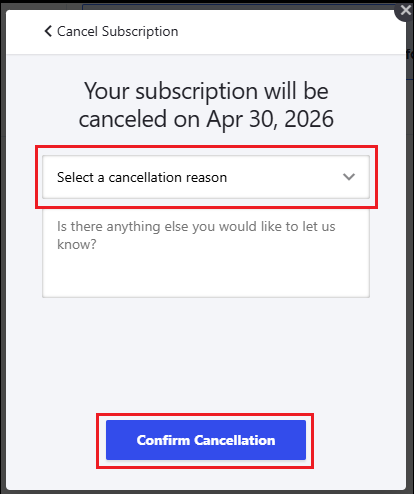
Your cancellation request will be locked, and your account will not be renewed on the renewal date.
Note: It is recommended that you reach out to your account manager for further assistance on this.