Part of How to Connect Webgility i with Shopify.
Connect the same Shopify store twice
You can connect one Shopify store twice in the same business, for example to split its orders between two connections by tag or order source. Each connection counts as one store of your plan.
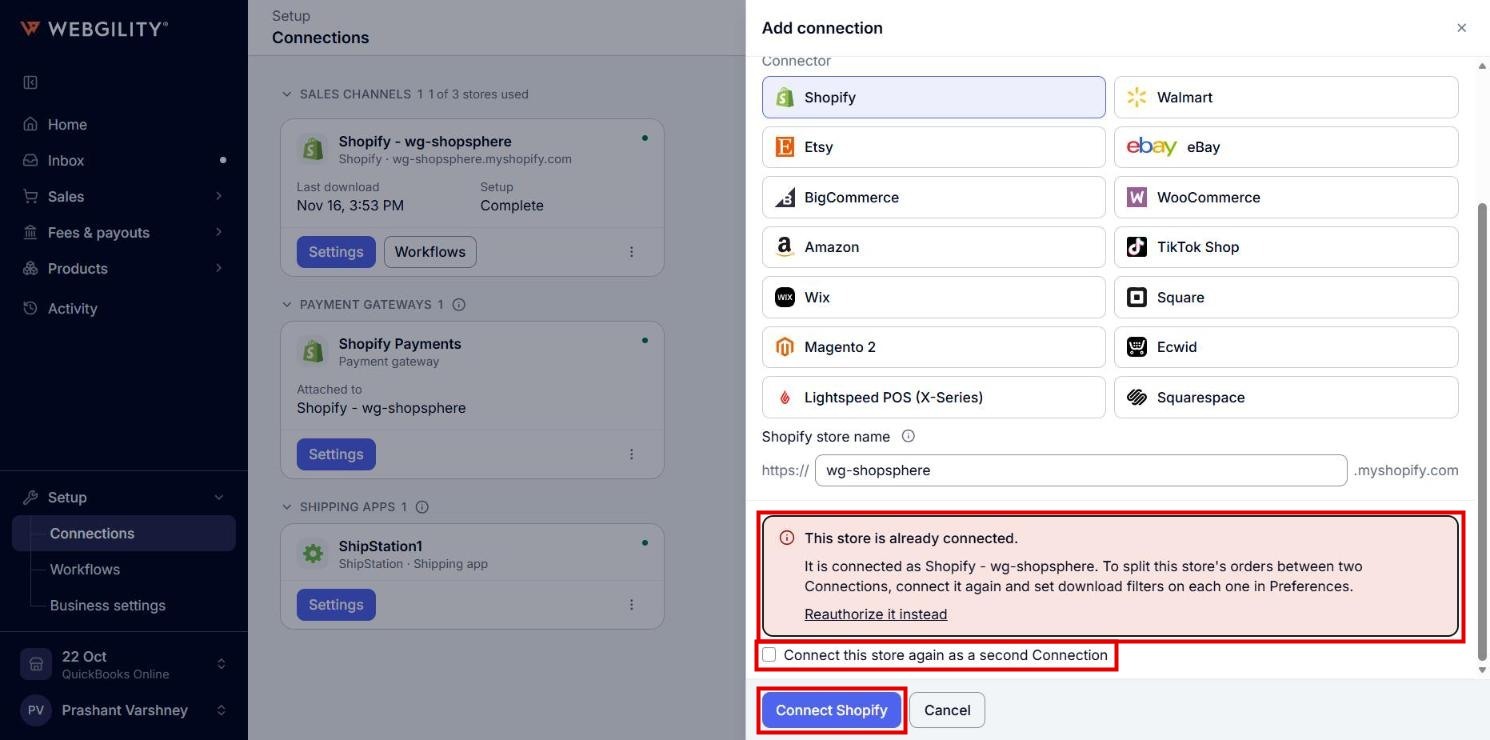
- Follow the steps above with the same store name. After Shopify, the panel shows "This store is already connected." with the name of the existing connection.
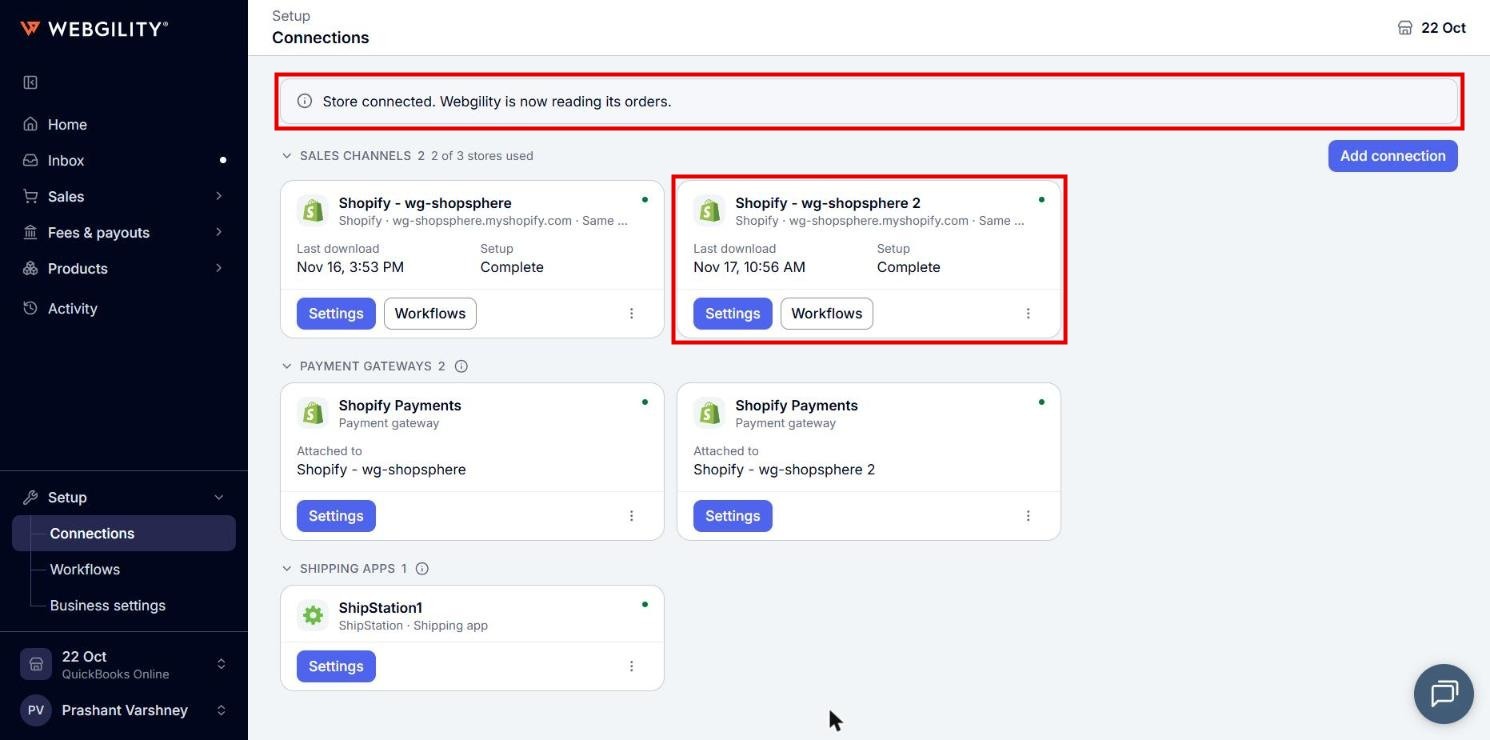
- Tick Connect this store again as a second Connection and click Connect Shopify. The new connection is named Shopify - your-store 2.
- Set download filters on each connection in Preferences, so that each one reads only its own orders.