
Error Message:
Error converting value 0 to type ‘eCCCloud.Mode.SettingsProfile’.Path”,line 1, position 1.
Cause of the issue:
This issue usually occurs while communicating with Amazon Channel in Webgility Online.
Steps to fix:
1). Login to Webgility Online:
-
Then navigate to Connections > Amazon > Reauthorize.
-
Click Next
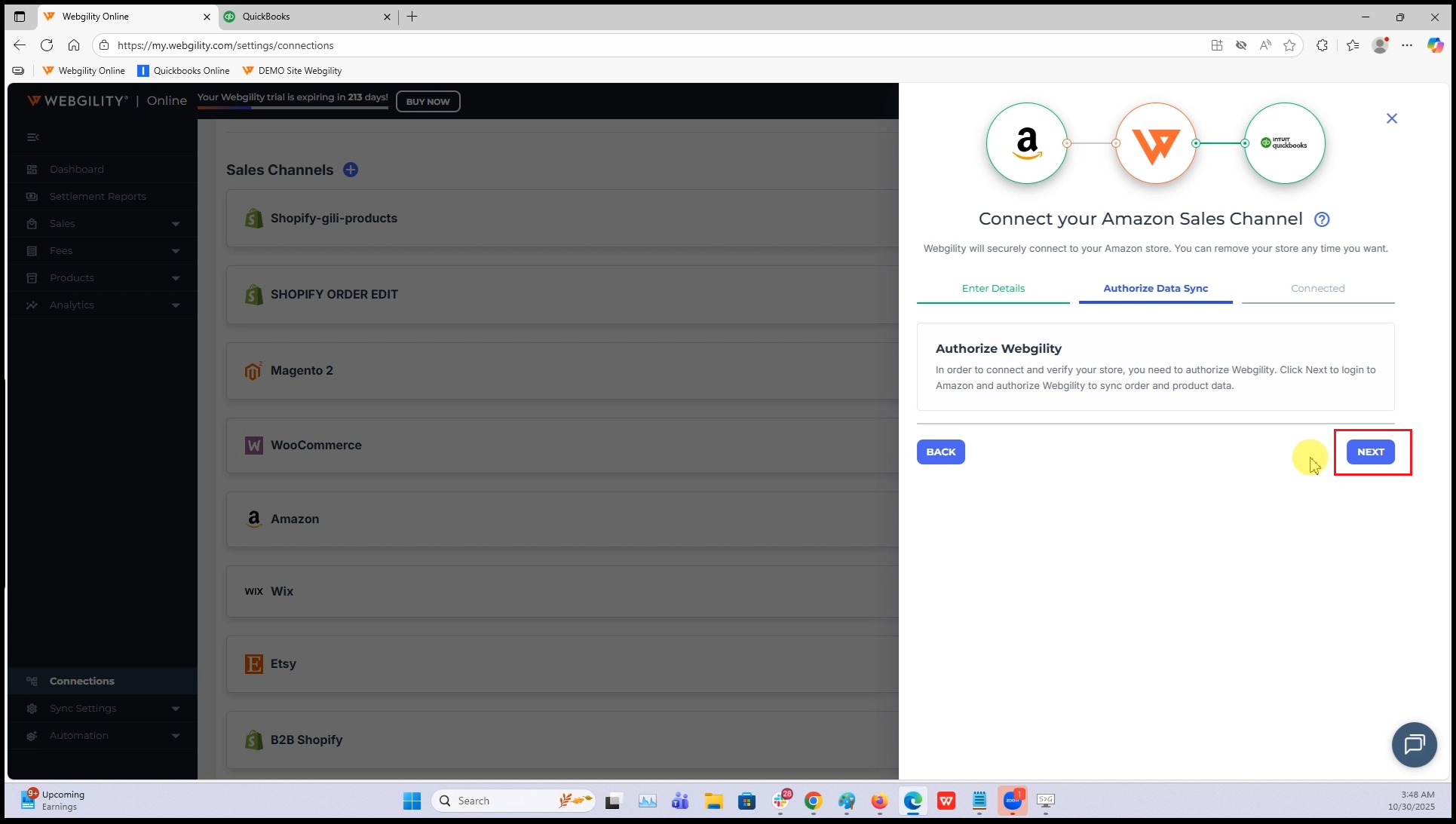
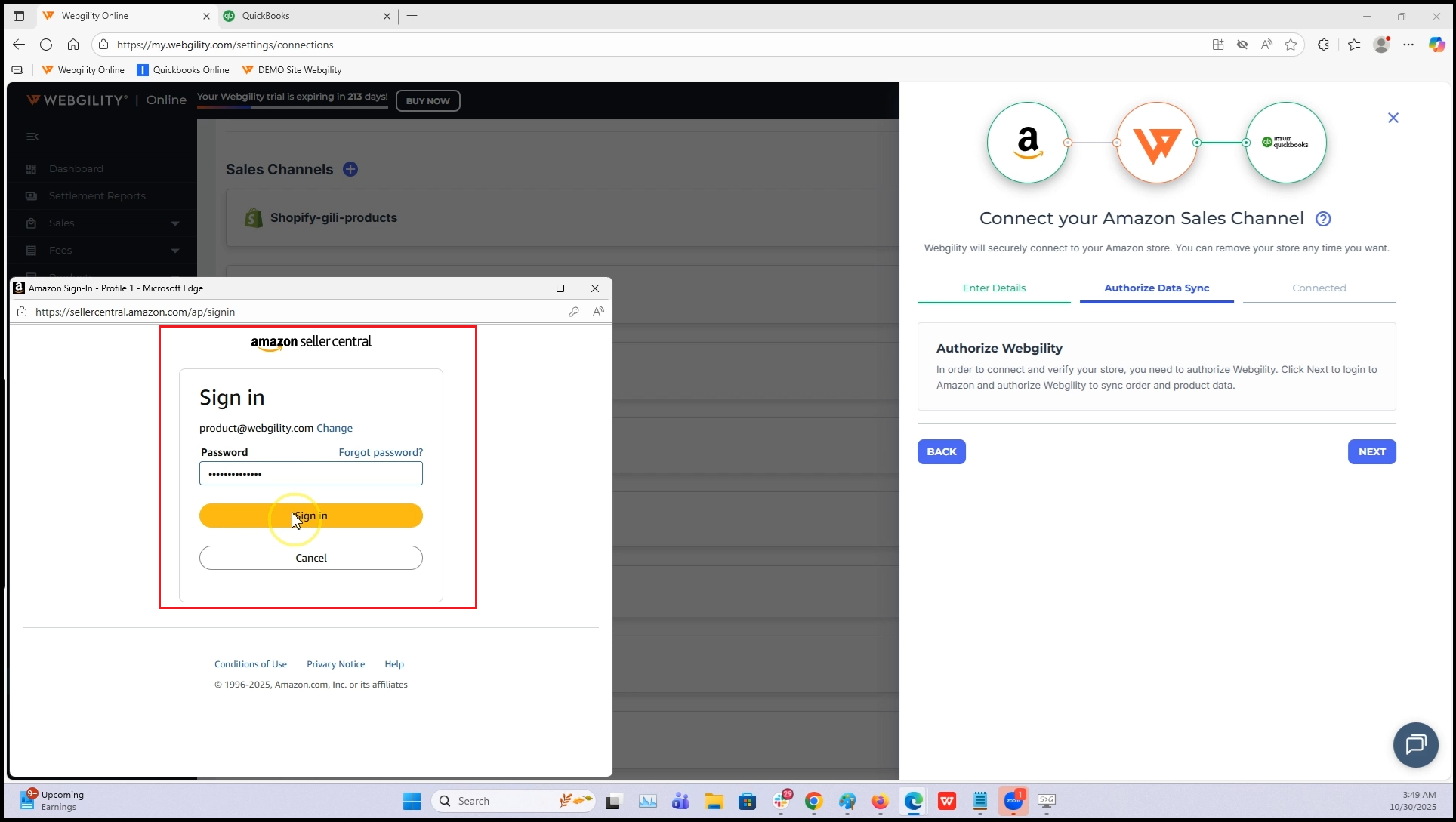
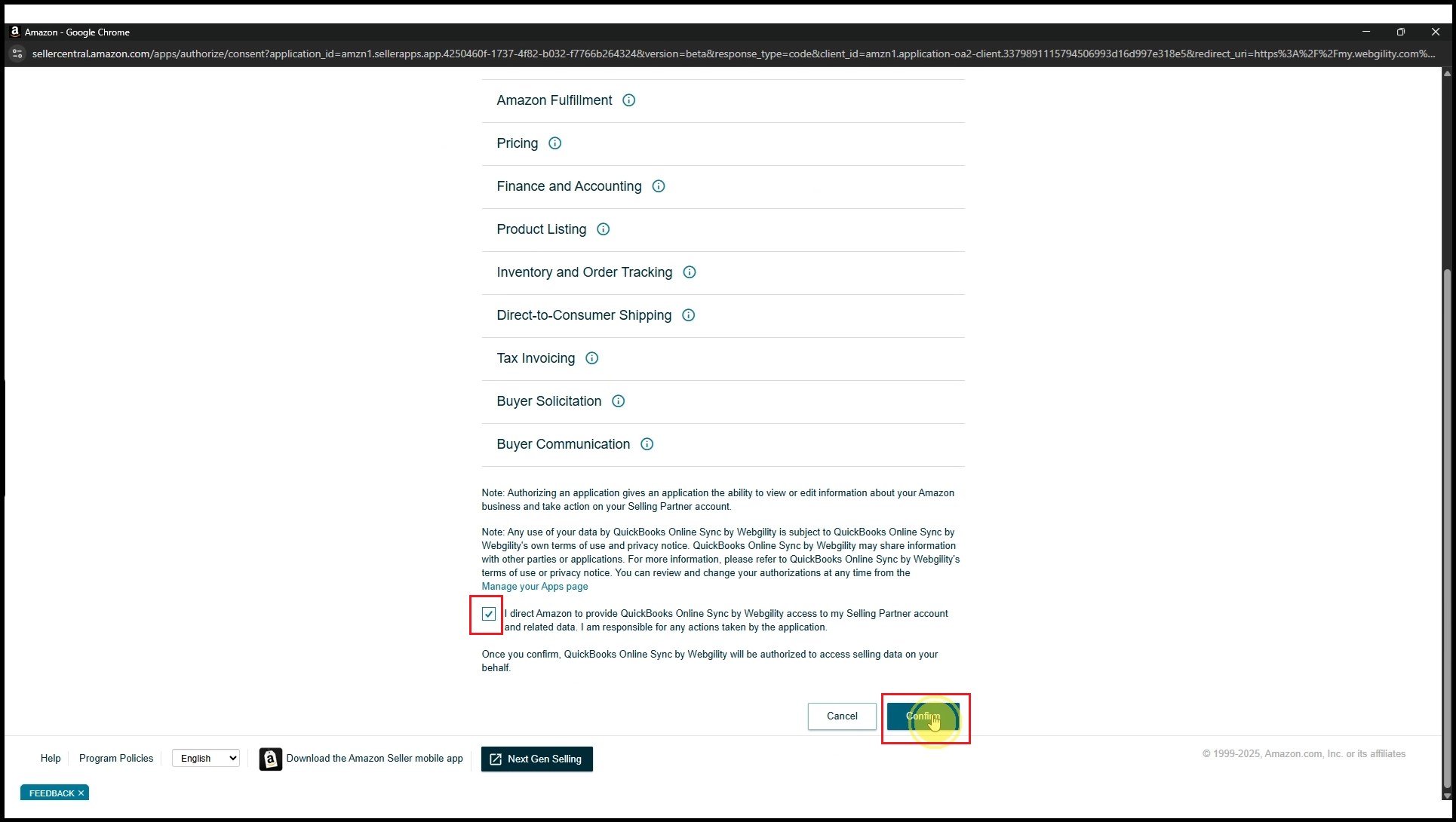
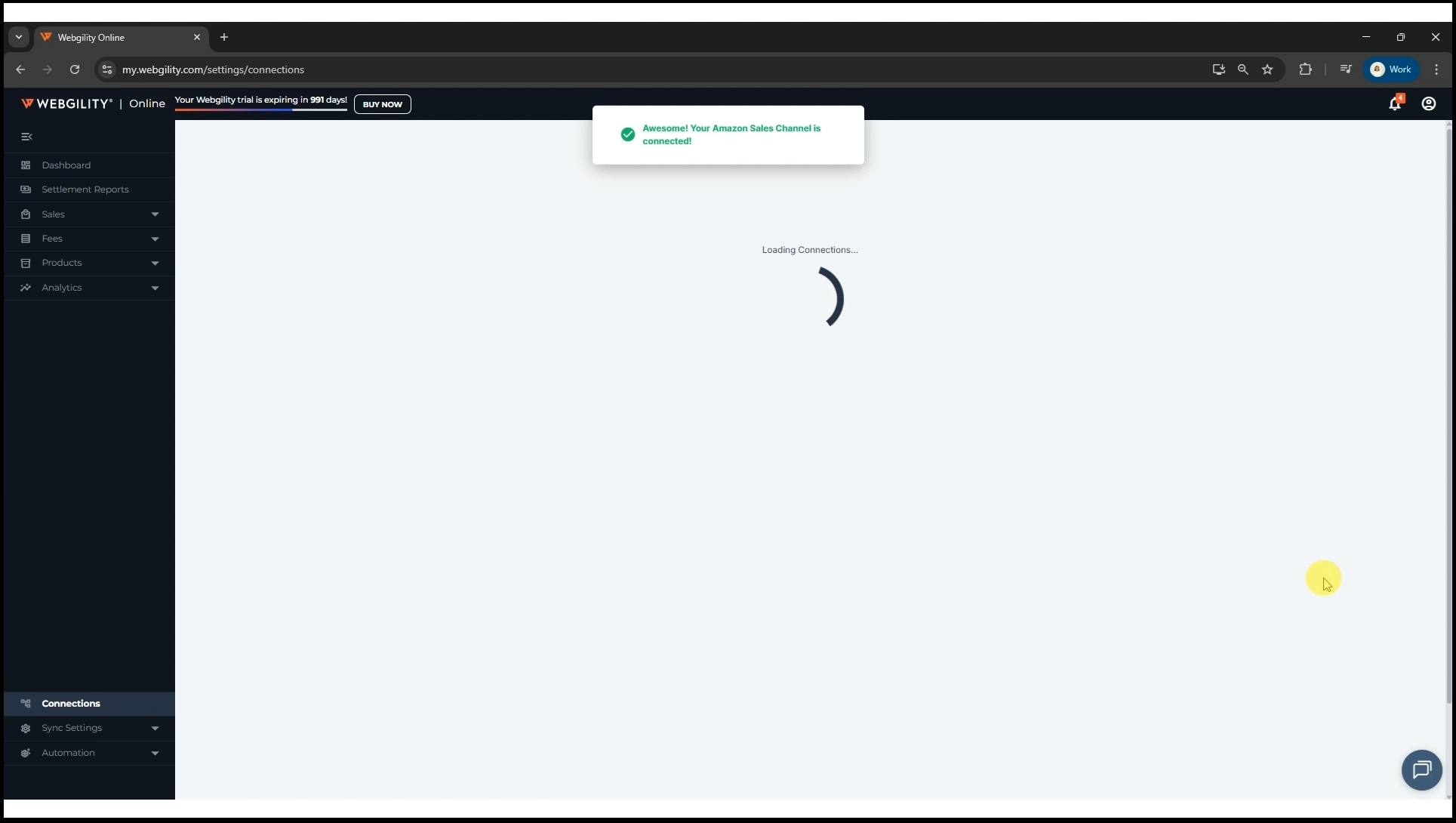
4). Verify Successful Connection: Following the preceding instructions, a success pop-up showing a successful reconnection to Amazon should appear in Webgility Online.
Tips:
5). Lower Security levels (Optional): If the issue persists and you are unable to proceed with the connection, you can try lowering the Internet security level under your Internet security settings. You may refer to this article to “Change Internet Explorer Security settings”– http://hs.windows.microsoft.com/hhweb/content/m-en-us/p-6.2/id-c9a5706f-0596-424f-bdfa-59618cb136e2/
6). Try Amazon Seller Central Reconnection (Optional): After making the necessary security configuration adjustments, retry the Amazon connection process. (Note: This step should only be done if following step 5 above).
By following these steps, you should be able to resolve the Amazon connection issue and ensure an effortless order download and quantity synchronization in Webgility Online.