Skip to content
  • There are no suggestions because the search field is empty.

Accessing your Webgility Billing Information - Webgility Online

This article helps Webgility Online users access and manage their billing information through the Webgility Customer Portal. It explains how to log in, navigate to the Billing section, review billing history, download statements, modify billing addresses, and check subscription renewal dates.

Follow these steps to access your billing information in the Webgility Customer Portal

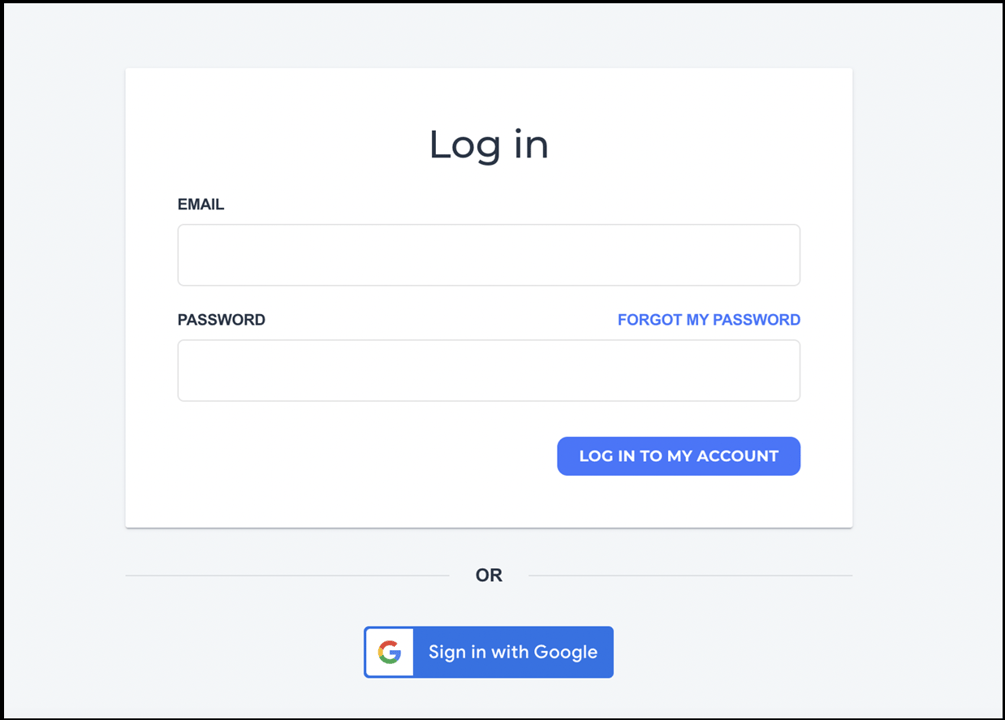
1. Go to portal.webgility.com and enter your Webgility Portal login credentials.
https://helpcenter.webgility.com/hs-fs/hubfs/image-png-Mar-02-2026-03-26-58-8547-PM.png?width=1005&height=720&name=image-png-Mar-02-2026-03-26-58-8547-PM.png


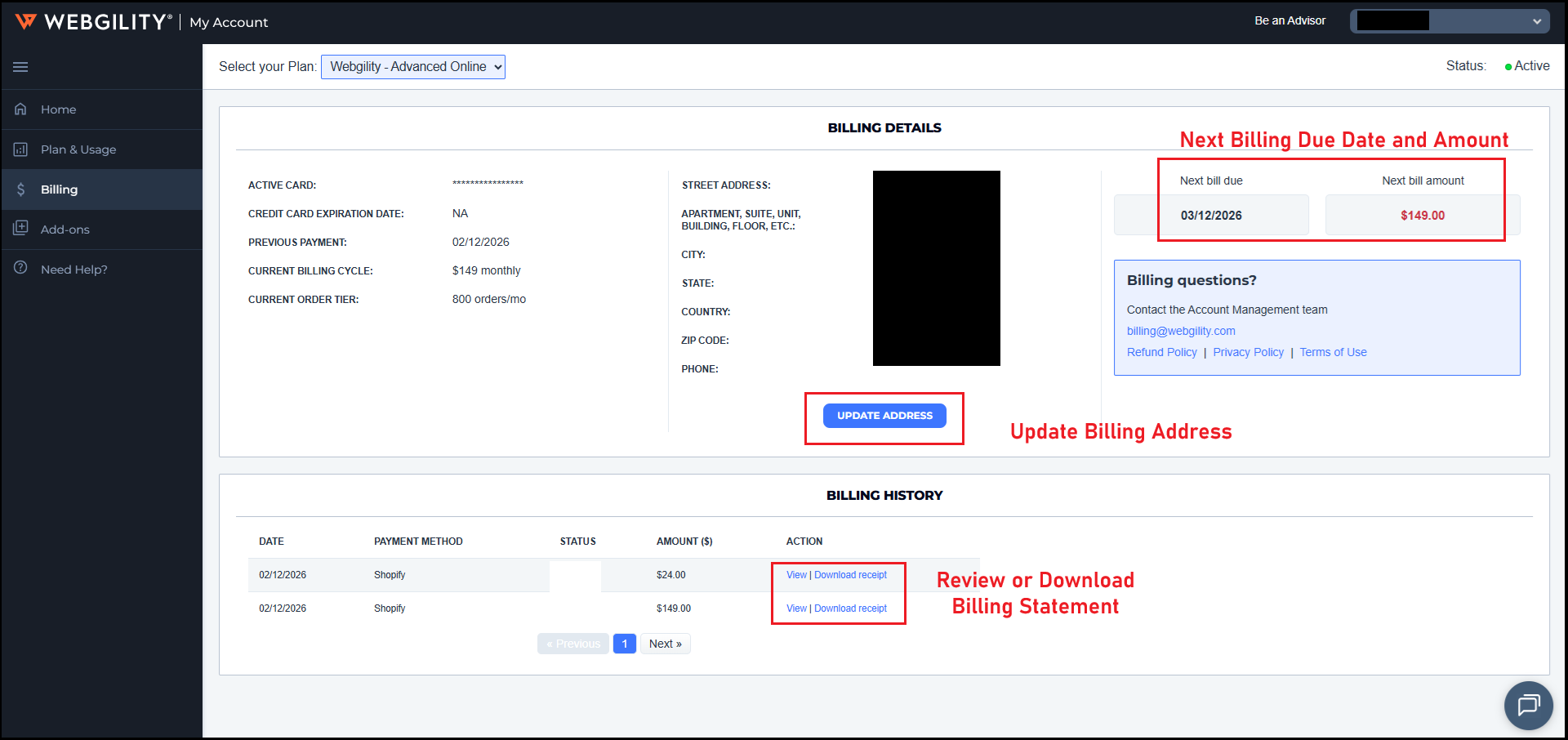
2. Select Billing on the left-hand side. Here you can review your Webgility billing details.

This page allows you to see your complete billing history, view, and download your statements, update your billing address and view your subscription renewal date.